Physical Address
304 North Cardinal St.
Dorchester Center, MA 02124
Physical Address
304 North Cardinal St.
Dorchester Center, MA 02124

Last week, I hit a wall. I was juggling four different AI Tools—one for presentations, one for blog writing, one for images, and another for video clips. My workflow was a mess. That’s when I stumbled across Skywork AI, a platform pitching itself as the ultimate all-in-one workspace. But here’s the thing — “free” on the internet usually comes with an asterisk. Confusing credit systems, hidden caps, watermarks on exports, and that classic bait-and-switch where you can create things for free but can’t download them without paying. In this Skywork AI Review, I tested the platform for 7 days to see if it’s a genuine productivity hack or just another subscription trap.
Skywork AI is an AI workspace platform that launched globally in May 2025. It’s not just another chatbot — it’s built around what they call “Super Agents,” each specialized for a different task: Documents, Slides, Sheets, Websites, Videos, Podcasts, Images, and Designs.
The company behind it is Kunlun Tech, a major Chinese internet company with nearly 400 million monthly users, in partnership with SINGULARITY AI (acquired for $160 million in 2023). While Kunlun is headquartered in Beijing, Skywork AI itself is registered in Singapore with offices in San Francisco.
The standout technology here is DeepResearch — their proprietary engine that claims to scan over 600 webpages per task, going “10x deeper” than standard RAG-based AI methods. Every document, slide deck, and report comes with actual citations. That’s a big deal if you’re tired of AI hallucinations.
Think of Skywork as the love child of ChatGPT, Canva, Gamma, and Google Workspace — except everything lives under one roof. You type a prompt, the platform routes it to the right agent, and you get a polished deliverable. Upload → prompt → generate → edit → export. That’s the flow.
Short answer: Yes, but with real limits that hit faster than you’d expect.
Here’s how the credit system actually works:
· First month: New users get 500 credits daily (some sources report up to 1,000 credits upon initial sign-up), but these credits expire after 24 hours.
· Second month onward: You drop to 500 credits per week, valid for 7 days.
· There’s also a 7-day free trial of the premium plan that gives unlimited access to all features — but you need to actively find it.
Video exports are capped at 720p with a watermark on the free plan. That’s fine for drafts, but you can’t use those in any professional context. Image generation eats credits fast — a single complex image can burn 20–50 credits. Presentation generation with deep research is the biggest credit drain; one thorough research deck can cost 100+ credits.
You can access all five Super Agents on the free plan. You can create documents, slides, spreadsheets — the interface doesn’t block you. But when you try to export to PPTX, download a high-res image, or render a full-length video, that’s where the walls appear. The creation is generous; the output is gated.
Credits expire. If you don’t log in one day during your first month, those 500 credits vanish. You can’t stockpile them. This creates urgency to use the platform daily, which is smart marketing but feels like a trap if you’re a weekend warrior.
I tested six core features with real projects. Here’s exactly what happened.
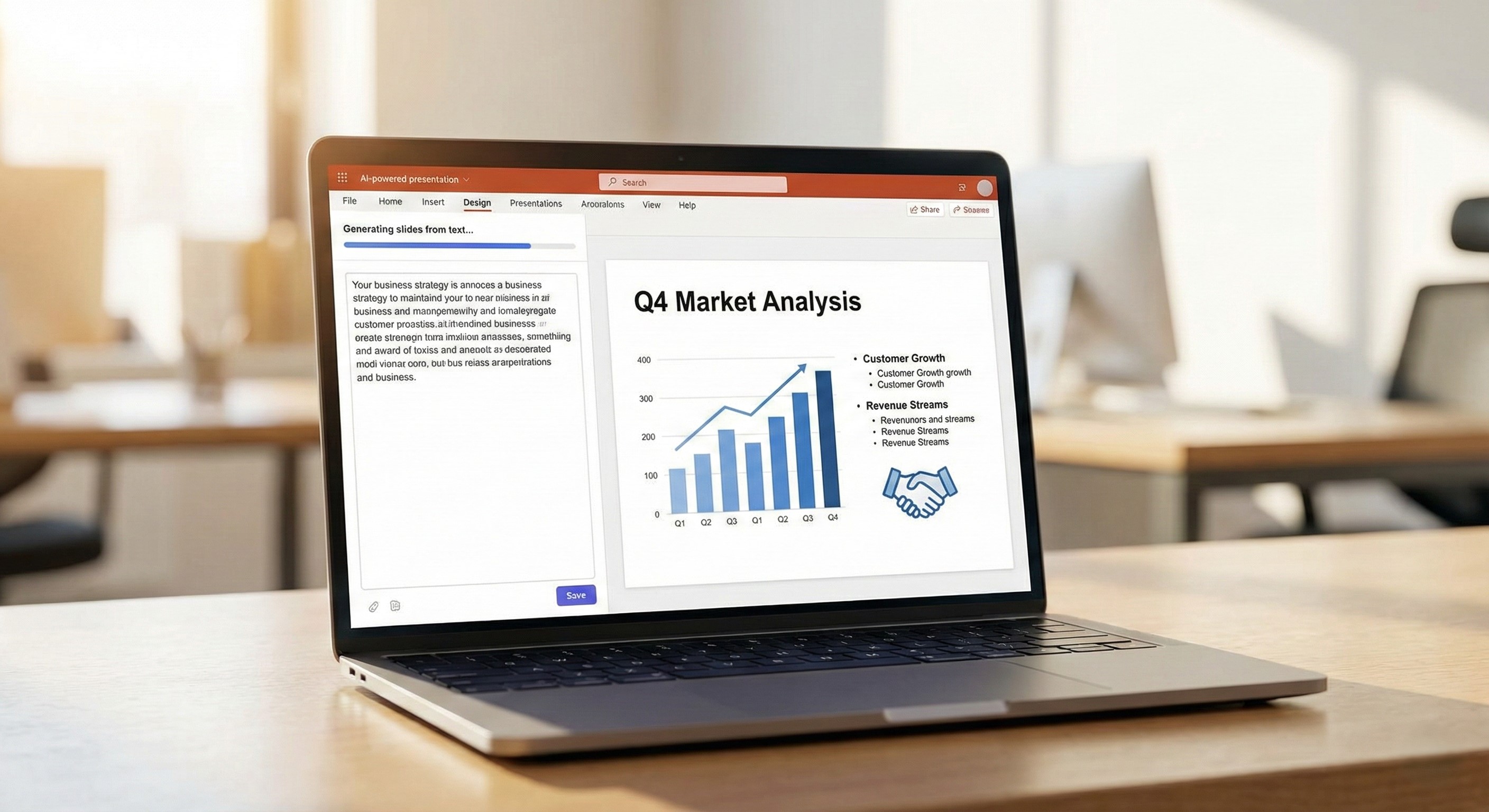
· Prompt: “Create a 10-slide pitch deck for a sustainable vertical farming startup targeting investors”
· Credits used: ~120 credits
· Time to generate: ~3 minutes
· Output quality: Genuinely impressive. The slides came with actual data, citations, proper formatting, and chart visualizations. The design was clean and professional — not the template-garbage you get from most AI tools.
· Would I use this again? Yes. This is Skywork’s strongest feature. The DeepResearch engine shines here. I exported to PPTX and it opened cleanly in PowerPoint with minor spacing adjustments.
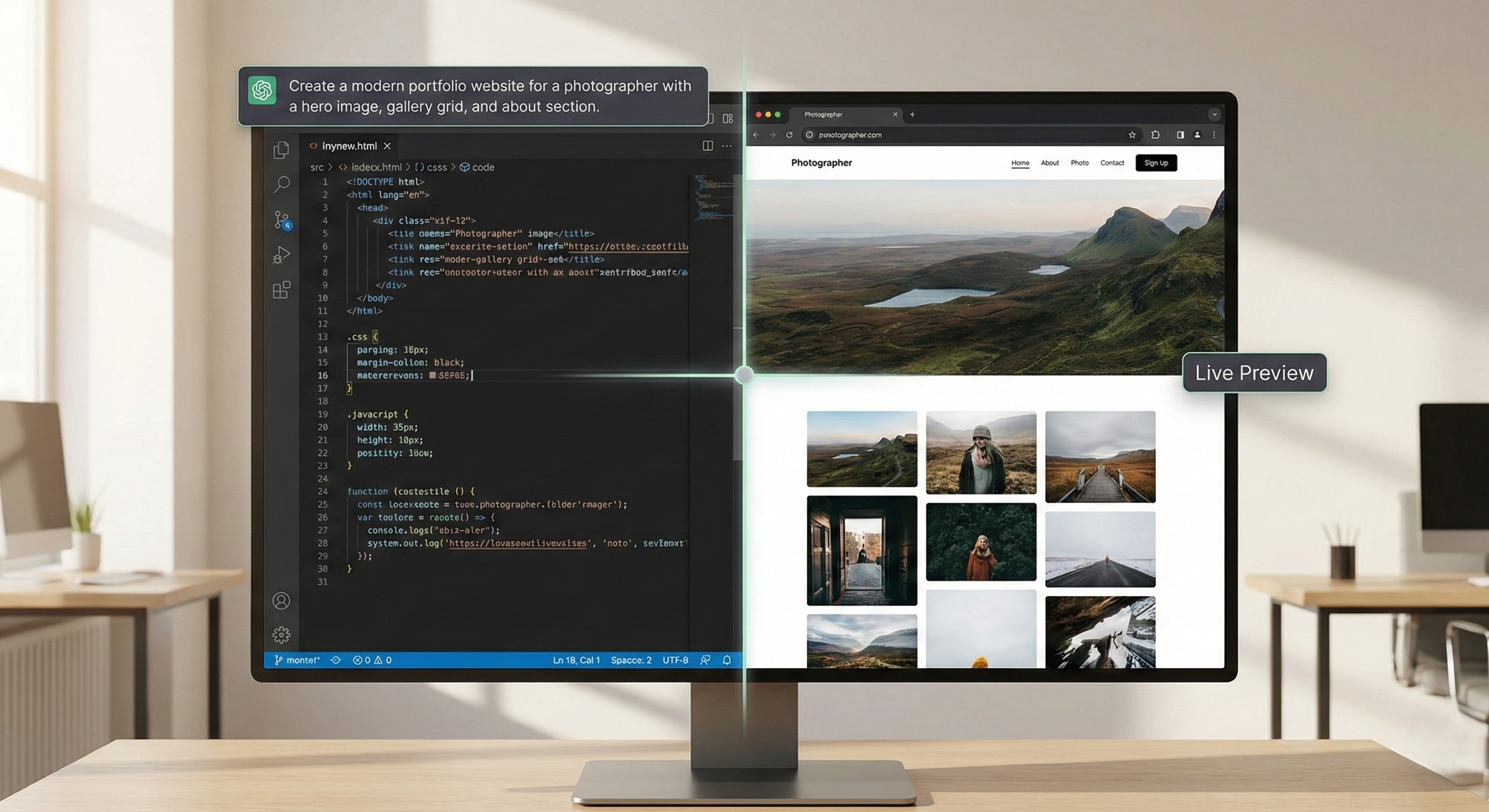
· Prompt: “Build a landing page for an investor-focused vertical farming startup with a hero section, team section, and contact form”
· Credits used: ~80 credits
· Time to generate: ~4 minutes
· Output quality: Solid first draft. The layout was responsive, and the structure made sense. However, the hero section had readability issues — light text on a light background. I had to go back and prompt for fixes.
· Would I use this again? Yes, for quick prototypes. Don’t expect Webflow-level quality, but for MVPs and landing pages, it’s remarkably fast.
· Prompt: “Create a 30-second promotional reel for a tech startup launch with futuristic visuals”
· Credits used: ~150 credits (video is expensive)
· Time to generate: ~4 minutes for a draft
· Output quality: The 720p draft was decent for social media storyboarding. AI avatars had decent lip-sync but fell into the uncanny valley on close-ups. Auto-captions and voiceover options were solid.
· Would I use this again? Only on paid. The 720p watermark makes the free version unusable for client work.
· Prompt: “Write a 2,000-word market analysis on the plant-based protein industry in 2026 with citations”
· Credits used: ~90 credits
· Time to generate: ~3 minutes
· Output quality: This blew me away. The document came with proper headings, APA-style citations, data from actual sources, and a logical structure. It wasn’t perfect — I fact-checked a few claims and found one minor inaccuracy — but it was 85–90% there.
· Would I use this again? Absolutely yes. Best AI document generator I’ve tested in 2026.
· Prompt: “Generate a photorealistic image of a futuristic vertical farm in a glass building at sunset”
· Credits used: ~30 credits
· Time to generate: ~45 seconds
· Output quality: Good but not exceptional. The image looked professional enough for a blog header or social post. But if you need fine-grained control over composition, you’ll hit frustrations.
· Would I use this again? For quick visuals, yes. For serious design work, I’d still reach for Midjourney or DALL-E.
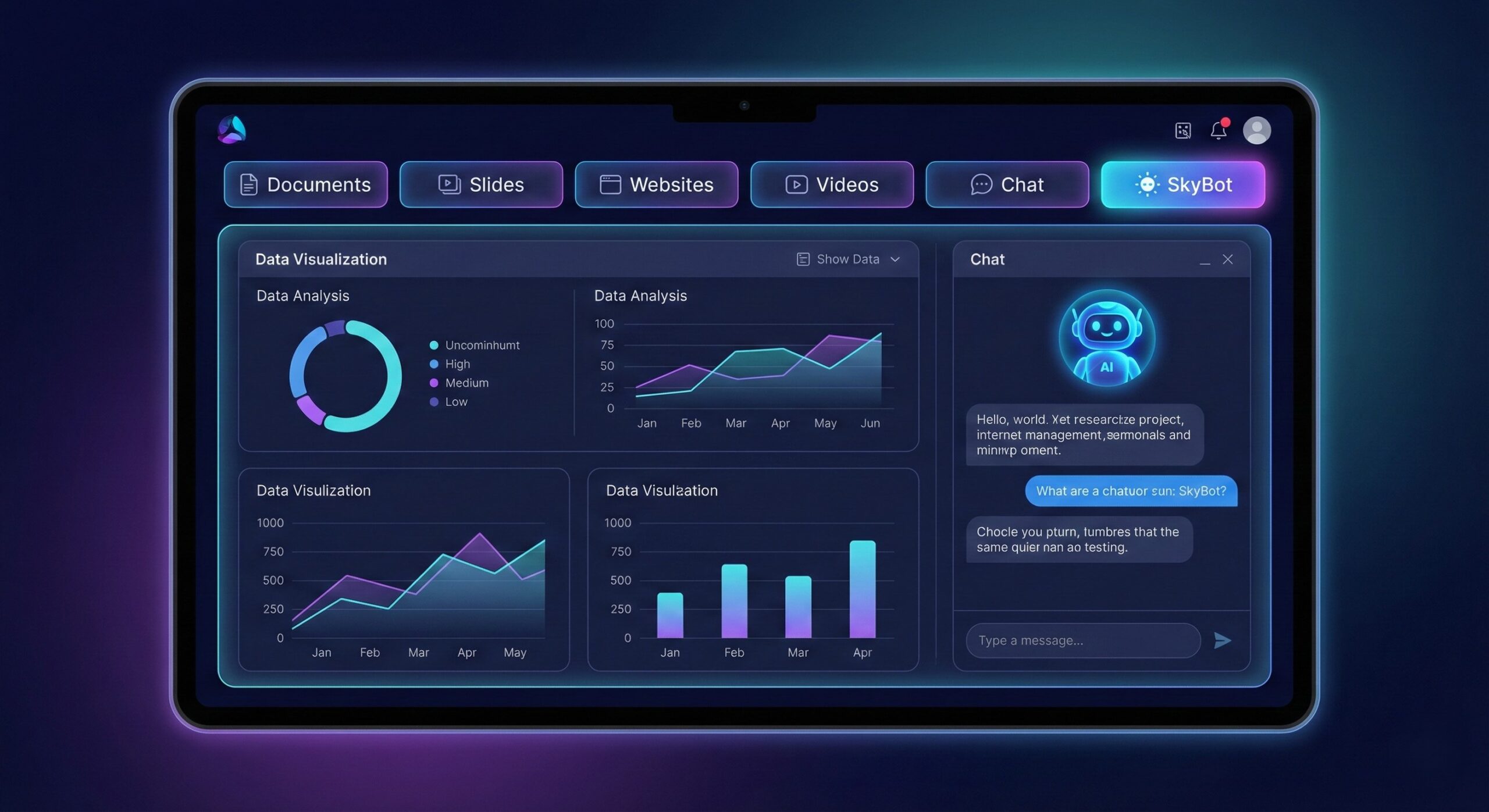
· Prompt: Set up SkyBot to monitor competitor pricing changes and send weekly summaries to my Slack
· Credits used: Unclear (agent runs in the background)
· Time to set up: ~10 minutes
· Output quality: The concept is powerful — a persistent, proactive AI agent that connects to WhatsApp, Telegram, Discord, and Slack. It can execute multi-step objectives from your Skywork knowledge base. In practice, I found the setup promising but the reliability over multiple days still needs validation.
· Would I use this again? Too early to say. The idea is fantastic — a true workspace agent, not just a chatbot.
The workflow is dead simple:
· Upload or describe: Give it a prompt, upload files (PDF, DOCX, XLSX), or paste a link
· Agent routes automatically: Skywork assigns the right Super Agent (Docs, Slides, Sheets, Web, Video, etc.)
· DeepResearch kicks in: The engine scans hundreds of web pages for relevant data and citations
· Generate: Your deliverable is created — document, deck, spreadsheet, website, or video
· Edit inline: Make changes directly in the platform or chat with the AI for revisions
· Export: Download in your preferred format (PPTX, PDF, DOCX, HTML, MP4)
The task channel system means you can generate a pitch deck, ask for a matching spreadsheet, and then request a landing page — all in a single conversation thread. The agents talk to each other.
SkyBot works differently — it’s an always-on assistant that handles long-running tasks autonomously and can connect to external messaging platforms.
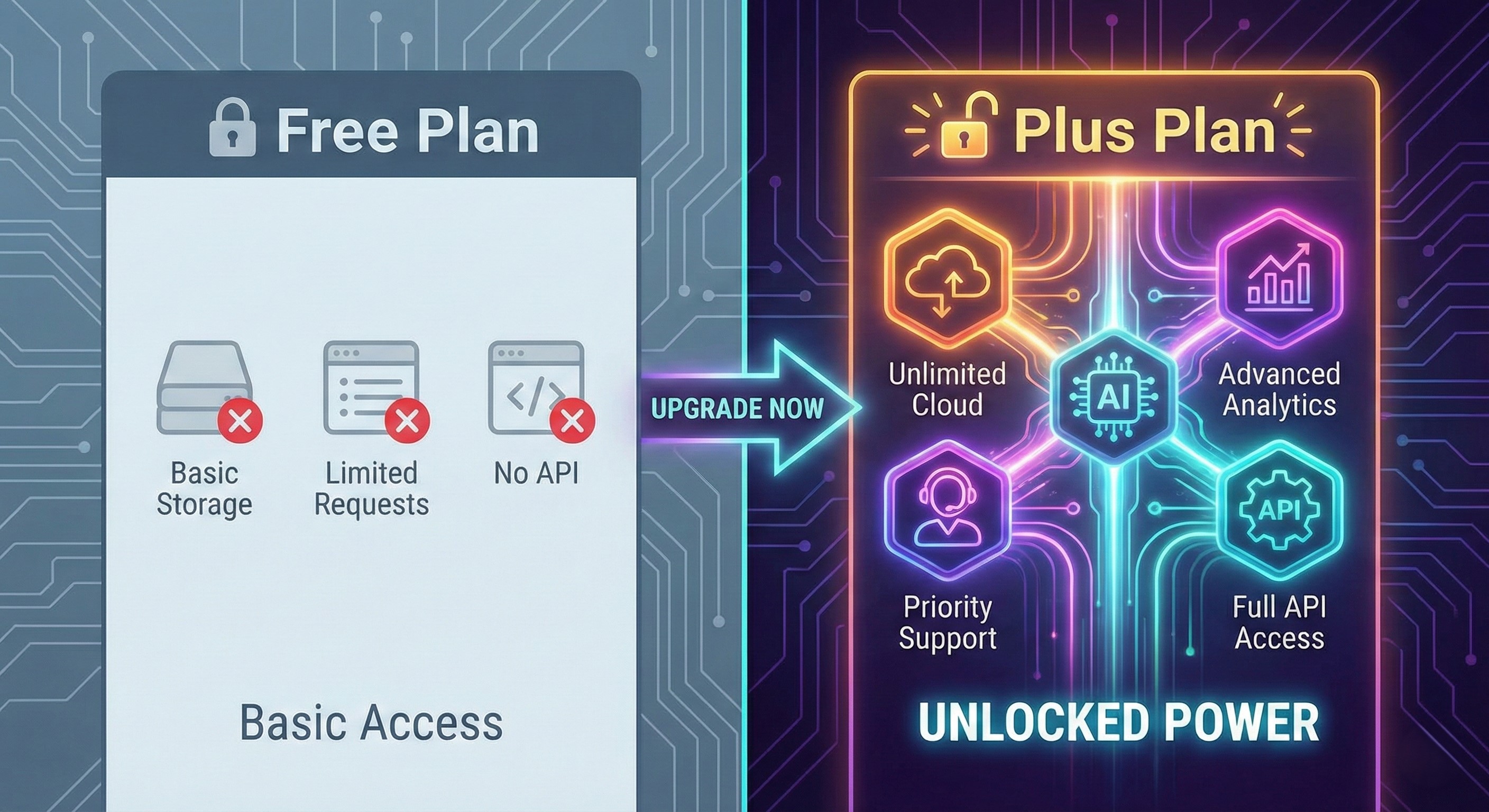
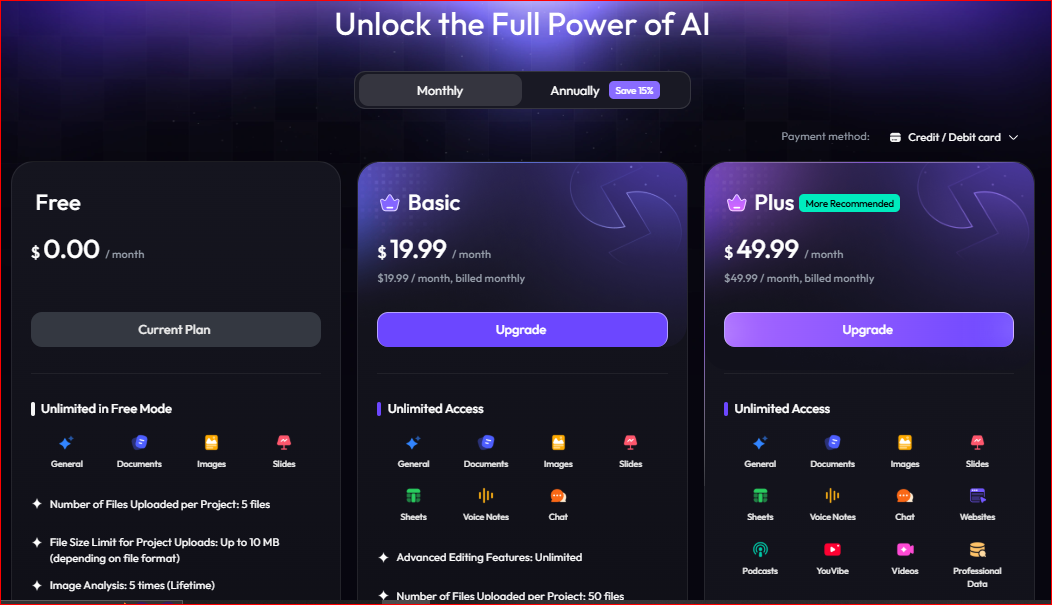
Here’s the real breakdown as of February 2026:
| Feature | Free Plan | Basic ($19.99/mo) | Plus ($49.99/mo) |
| Credits | 500 daily (month 1), 500 weekly after | 7,000/month | Significantly higher monthly limits |
| All Super Agents | ✅ Yes | ✅ Yes | ✅ Yes |
| DeepResearch | Limited depth | Full access | Full access + priority |
| Video Export | 720p + watermark | 1080p, no watermark | 1080p, no watermark |
| Export Formats | Standard | Premium (PPTX, PDF, etc.) | Premium + priority processing |
| Commercial License | ❌ No | ✅ Yes | ✅ Yes |
| Support | Community | Email 24/7 | Priority support |
| Skywork Desktop | ❌ | ✅ Yes | ✅ Yes |
· The annual plan costs $149.99/year (~$12.50/month), saving roughly $90 compared to monthly billing.
· A 7-day free trial of premium is available if you look for it.
· Creators can sometimes get a 20% discount through referral links.
· Free: Students exploring, hobbyists testing, anyone evaluating before committing
· Basic ($19.99/mo): Freelancers, solo creators, bloggers who produce weekly content
· Plus ($49.99/mo): Agencies, marketing teams, power users running campaigns across multiple formats
The free plan is genuinely useful for essays, research papers, and study decks. DeepResearch with citations is a game-changer for academic work — no other free tool does this at the same depth.
Blog posts, social media content, podcast scripts, thumbnail images — the all-in-one workflow eliminates tool-hopping. If you’re a solo creator producing across formats, this saves hours.
Landing pages, pitch decks, market analysis reports, and promotional videos from a single platform. The deep research capability means your content is actually backed by data, not generic AI fluff.
Multiple deliverables from one conversation, commercial licensing on paid plans, and the ability to generate client-ready assets fast. The Skywork Desktop app adds local file integration for teams handling sensitive data.
If video is your core business, Skywork’s SkyReels is a solid supplementary tool but not a replacement for Runway, Pika, or CapCut. The 720p free cap and credit-heavy video generation make it impractical for daily video production.
The image generator is good for quick visuals but lacks the fine-grained prompt control and customization of Midjourney, DALL-E 3, or Adobe Firefly. You can’t precisely control composition, lighting, or style with the same granularity.
If you’re producing 20+ documents or decks per week, even the $19.99 plan’s 7,000 credits will strain. Heavy production users should budget for the Plus plan or consider whether specialized tools are more cost-effective.
| Feature | Skywork AI | Canva | Notion AI | Gamma | ChatGPT |
| Deep Research + Citations | ✅ 600+ pages | ❌ | ❌ | ❌ | Limited |
| Presentation Generator | ✅ Research-backed | ✅ Template-based | ❌ | ✅ Design-focused | ❌ |
| Website Builder | ✅ Full-stack | ✅ Basic | ❌ | ✅ Web-native | ❌ |
| Video Generator | ✅ SkyReels | ✅ Basic clips | ❌ | ❌ | Limited (Sora) |
| Document Writer | ✅ Cited, deep | ❌ | ✅ Integrated | ✅ Basic | ✅ General |
| Spreadsheet Agent | ✅ Full | ❌ | ✅ Databases | ❌ | ✅ Code-based |
| Pricing (Paid) | $19.99/mo | ~$15/mo | $10/mo add-on | ~$8–$20/mo | $20/mo |
| Best For | Research + multi-format | Design + templates | Knowledge mgmt | Fast visual decks | General AI tasks |
· Canva has unbeatable templates and design, but zero research depth. If you need pretty, go Canva. If you need smart, go Skywork.
· Notion AI is best if you’re already living in Notion, but it’s an add-on — not a standalone creation platform.
· Gamma is faster for quick, beautiful decks but lacks the research backing and multi-format flexibility.
· ChatGPT is a better general-purpose chatbot but can’t natively export pitch decks, build websites, or generate cited research documents in one workflow.
Skywork AI offers a freemium model. The free plan provides 500 daily credits for the first month and 500 weekly credits after that. Paid plans start at $19.99/month (Basic) and $49.99/month (Plus). There’s also a 7-day free trial of premium features.
Skywork AI was developed by Kunlun Tech, a Beijing-based Chinese internet company, in partnership with SINGULARITY AI. However, Skywork AI itself is registered as a Singapore-based company (SKYWORK AI PTE LTD) with additional offices in San Francisco. Kunlun Group Limited holds 66.3% ownership.
The AI workspace agents are included in all plans. The Basic plan costs $19.99/month, the Plus plan costs $49.99/month, and the annual plan is $149.99/year. SkyReels (video) has separate pricing starting at $28/month for the Standard plan.
Cancellation depends on where you subscribed. For web purchases, go to your account settings and cancel through the billing section. For iOS, cancel via Apple Settings → Subscriptions. For Android, cancel through Google Play → Subscriptions. Note: some users have reported being charged after cancellation — keep confirmation screenshots and check your bank statements.
If you see a charge labeled with “Google” and “Skywork,” it likely means you subscribed through the Google Play Store and the charge is being processed by Google as the payment intermediary. If you didn’t subscribe, check your Google Play subscriptions immediately and dispute any unauthorized charges through Google’s payment center.
Yes. Skywork is available on the Apple App Store (iOS/macOS) and Google Play Store (Android). A Windows desktop app was also launched in early 2026, running locally on your PC with integration support for Google Workspace, Outlook, Slack, and Discord.
After seven full days of testing, here’s my honest take:
Skywork AI is not a trap — but the “free” comes with clear boundaries.
The free plan is genuinely useful for exploring, testing, and light creation. If you’re a student writing papers or a curious creator trying out AI tools, you can get real value without paying. The DeepResearch feature alone is worth the sign-up.
· Students doing occasional research and document generation
· Anyone evaluating whether the platform fits their workflow
· Light users who need 2–3 deliverables per week
· Freelancers and marketers producing content weekly — the 500 weekly credits won’t last
· Anyone needing watermark-free video exports
· Users who need commercial licensing for client work
Yes — if you’re currently paying for 2+ separate AI tools (like a writing tool + a presentation tool), Skywork consolidates them into one platform at a competitive price. You’re essentially getting an AI document writer, presentation builder, website generator, and image creator for less than the cost of ChatGPT Plus.
Only if you’re a power user or small agency running multiple client projects. The higher credit limits and priority processing make sense at scale, but most individual creators will do fine on the Basic plan.
Skywork AI is the real deal for research-backed, multi-format content creation. The free plan is generous enough to test but limited enough to make you want to upgrade. That’s not a trap — that’s just good product design. Whether you stay free or go paid depends entirely on your output volume.
Go test it yourself. You’ll know within two days whether it’s for you.